USP Primer
| Feature | What It Is | Why It Matters |
| No Loop Wires Required | High-sensitivity IR timing system that requires no buried track wiring. | Set up a timing system in minutes without modifying the track. |
| Portable Race System | Compact battery-powered decoder and wireless app control. | Easy to transport, deploy, and use at virtually any track. |
| Standalone Operation | Works fully via Bluetooth without Internet access. | Perfect for outdoor tracks, club events, and casual practice sessions. |
| Cloud Connectivity | Optional cloud synchronization for race records and sharing. | Access race data anytime and share results with other racers. |
| Shadow Run | Race against your personal best lap times in real time. | Helps improve consistency and pace through structured practice. |
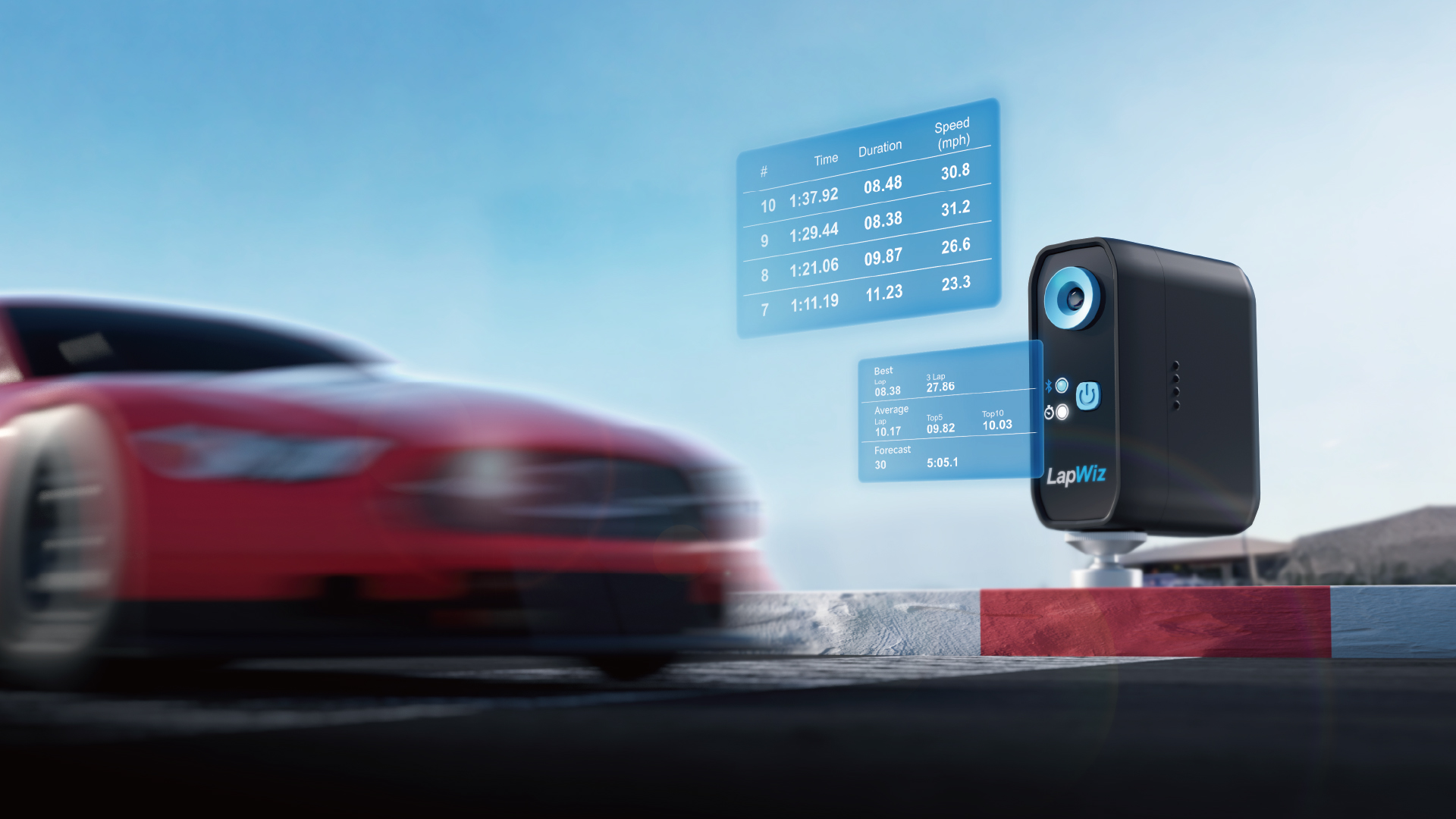
| Performance Dashboard | Displays Best Lap, Average Lap, Forecast, Shadow Run Delta, and Lap History. | Turns lap data into actionable performance insights. |
| Race Announcer | Multi-language voice announcements for key race events. | Stay informed without taking your eyes off the track. |
| Big Screen Casting | Wirelessly cast race results and rankings to TVs or projectors. | Creates a professional race-day experience for clubs and events. |
| Multi-Car ID Management | Assign unique IDs and driver profiles to each transponder. | Simplifies race organization and driver management. |
| Multiple Transponder Options | Standard, Enhanced, Battery-Powered, and Mini-Z transponders available. | Supports different vehicle types, classes, and track layouts. |
| Mini-Z Support | Dedicated compact transponder designed for Mini-Z chassis. | Enables accurate lap timing for small-scale racing. |
| Up to 300 Hours Runtime | Powered by two AA batteries with ultra-low power consumption. | Long operating time with minimal maintenance. |
| Real-Time Rankings | Live race positions and lap counting through the app. | Provides instant race feedback and competition visibility. |
| Easy QR Race Setup | Racers can join events by scanning a QR code. | Reduces setup time and simplifies race participation. |
| More Than a Lap Counter | Combines timing, race management, training, and performance analysis. | Helps racers improve, not just record lap times. |
App
Download the SkyRC app from the App Store or Google Play — completely free to use.


FAQ
Frequently Asked Questions
Q: Literally, what does “LapWiz” mean?
LapWiz combines Lap and Wiz (short for Wizard).
More than just a lap counter, LapWiz helps racers track, analyze, and improve every lap through intelligent timing, performance insights, and training tools.
Because every lap is an opportunity to get faster.
Q: What is LapWiz?
LapWiz is a smart RC lap timing and performance analysis system designed for RC racers, clubs, and track operators. It combines infrared lap timing, race management, performance analytics, Shadow Run training, and cloud connectivity in a portable and easy-to-use solution.
Q: Does LapWiz require buried loop wires?
No. LapWiz uses high-sensitivity infrared (IR) technology and does not require any buried loop wires or track modifications.
Q: Can LapWiz be used outdoors?
Yes. LapWiz is suitable for both indoor and outdoor tracks. For best performance outdoors, avoid direct sunlight on the decoder’s IR receiver and use the included sun visor when necessary.
Q: Does LapWiz require Internet access?
No. LapWiz works fully in Standalone Mode via Bluetooth without Internet access. Cloud features are optional.
Q: What devices are supported?
LapWiz supports iOS and Android devices through the LapWiz mobile app.
Q: How many cars can race at the same time?
LapWiz supports up to 99 cars racing at the same time.
Q: What is Shadow Run?
Shadow Run allows drivers to compete against their personal best performance. The system provides real-time feedback to show whether the driver is gaining or losing time.
Q. Can I customize Transponder IDs?
Yes. Transponder IDs can be assigned and customized through the SkyRC app using the decoder’s Config Port.
Q. What is the difference between the Transponder ID and the serial number printed on the transponder?
The printed 4-character serial number (e.g. AB12) is used only to help identify individual transponders. The Transponder ID is stored electronically in the transponder and is used by LapWiz for timing and race management.
Q. Can I display race results on a TV or projector?
Yes. LapWiz supports wireless screen casting, allowing race rankings, lap times, and race information to be displayed on larger screens.
Q. Can racers join events by scanning a QR code?
Yes. Event organizers can generate a race QR code, allowing participants to join quickly using the SkyRC app.
Q. What transponder options are available?
LapWiz offers multiple transponder options, including Standard, Enhanced, Battery-Powered, and Mini-Z versions to suit different vehicle types and racing scenarios.
Q. Is LapWiz suitable for Mini-Z racing?
Yes. The dedicated T03 Mini-Z Transponder is specifically designed for Mini-Z and other compact chassis.
Q. How long do the batteries last?
The LapWiz decoder is powered by two AA batteries and can deliver up to 300 hours of runtime under typical operating conditions.
Q. Does LapWiz store race records?
Yes. Race records can be stored locally and optionally backed up to the cloud for future review and sharing.
Q. Can firmware be updated?
Yes. LapWiz supports firmware updates through the mobile app to continuously improve features and performance.
LapWiz Quick Start Guide

Scan or Click to Watch
1. Install Batteries
- Open the battery compartment and install two AA batteries.
- Press and hold the Power button to turn on the decoder.
2. Install the Transponder
- Connect the transponder to your receiver or power source.
- Mount the IR emitter securely on the vehicle and ensure it faces outward with no obstruction.
- For Mini-Z and other compact chassis, secure the IR emitter to the outside of the body shell using double-sided tape or hook-and-loop fastener.ge and damage the battery.
3. Position the Decoder
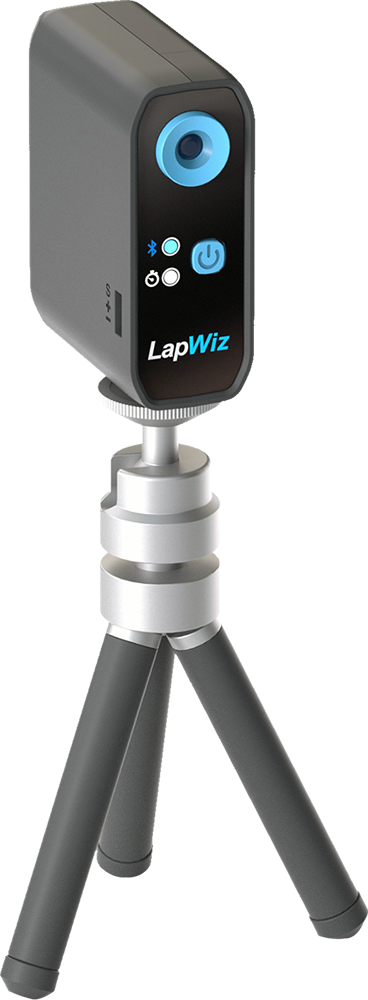
Mount the decoder on the tripod and place it beside the track.
For best performance:
• Keep the transponder parallel to the ground.
• Position the vehicle so the IR emitter faces the decoder at approximately 90° when passing.
• Avoid direct sunlight on the decoder’s IR receiver.
• Use the included sun visor when racing outdoors.
4. Connect to the App
- Download and open the SkyRC app.
- Enable Bluetooth on your mobile device.
- Select your LapWiz decoder and connect.
5. Create a Event
Choose a mode:
• Practice
• Qualifying
• Race
• Free Run
Add drivers and assign Transponder IDs.
For Race and Qualifying events, save the event and share the QR code. Racers can join instantly by scanning it with the SkyRC app.
6. Start Racing
Tap Start.
LapWiz will automatically record lap times, rankings, and race results.
View detailed performance data including:
• Best Lap
• Average Lap
• Forecast
• Shadow Run Delta
• Lap History
Media Kit
BRAND ASSETS
Official SkyRC logos and brand assets for media, partners, and promotional use.

SkyRC Logo

LapWiz Logo

LapWiz Logo
Recommended Images for Video Cover



Hi-res Pictures with Transparent Background

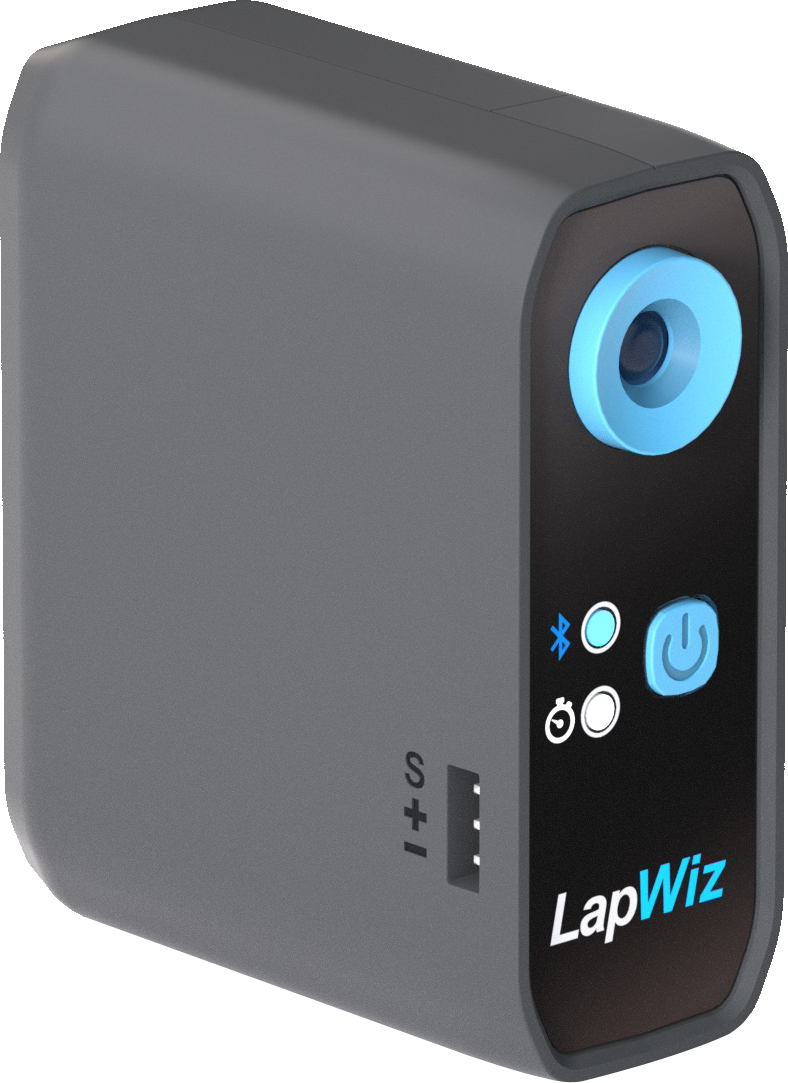
Timing Unit
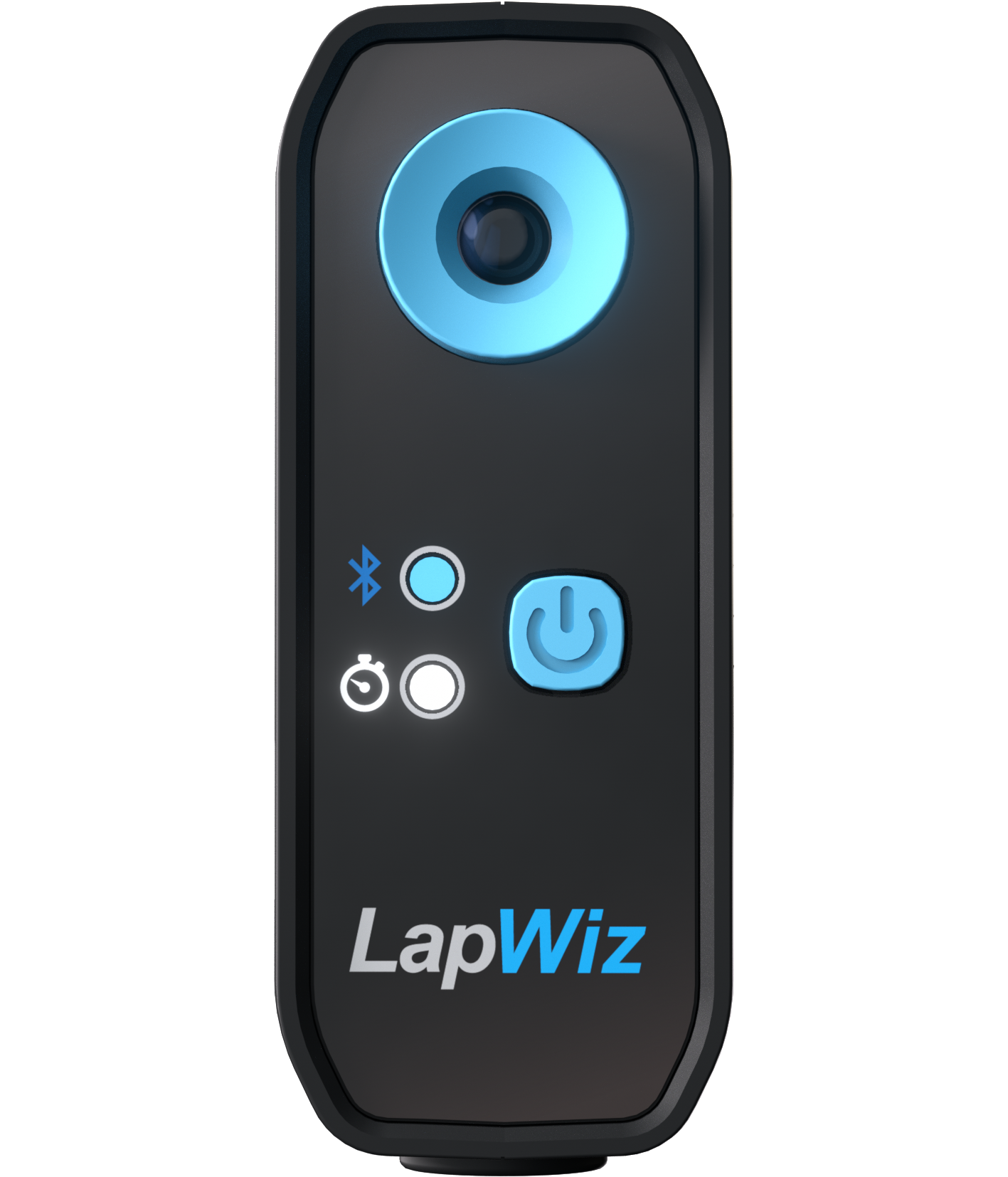

Timing Unit

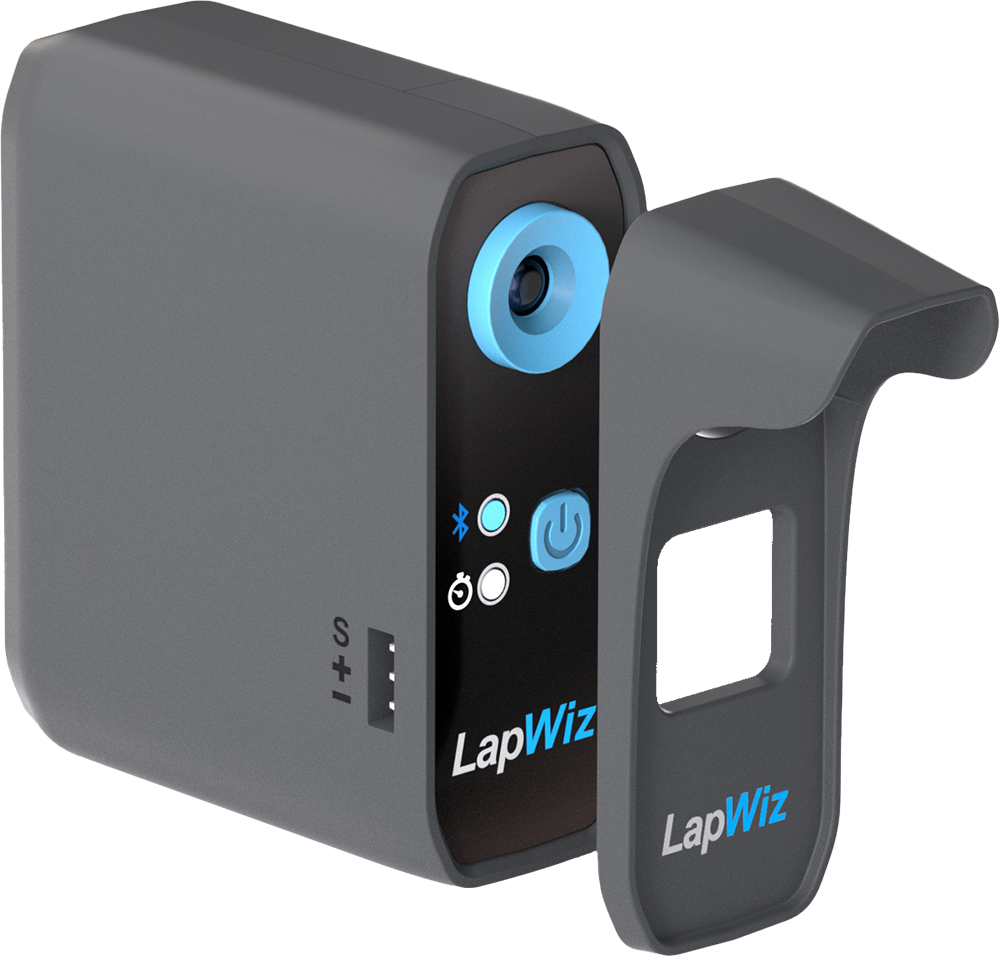
Sun Visor

Tripod
Video Reels
LapWiz Smart RC Lap Timing System
LapWiz Quick Setup Guide
Smart RC Lap Timing System App Setup and Operation